
Live broadcasts on X vanish the moment they end. That interview you wanted to save, that breaking news stream, that concert snippet – gone before you could capture it. An X downloader built for live content changes this entirely.
sssTwitter now supports live broadcast downloads alongside regular Twitter video downloads. The tool runs in any browser, requires no account creation, and works on phones, tablets, and computers alike.
Why X live content disappears so quickly
X hosts over 500 million monthly active users sharing videos, audio clips, and live streams. Most live broadcasts are not archived by their creators. Once the stream ends, the content evaporates from the platform.
Accounts also get suspended or deleted without warning. Users switch profiles to private. Platform maintenance removes inactive content. For journalists tracking breaking events or researchers collecting data, this creates a real problem.
The solution: save X content to your device before any of this happens.
What the Twitter downloader captures
sssTwitter processes multiple content types from public X accounts. Here is how it compares across media formats:
| Content type | Output format | Quality options |
| Live broadcasts | MP4 | Up to HD |
| Posted videos | MP4 | SD, HD, Full HD |
| Audio tracks | MP3 | Standard bitrate |
| Images and photos | PNG, JPG | Original resolution |
| GIFs | GIF, MP4 | Original quality |
The live broadcast feature is new. It captures streams while they are active, converting them to MP4 files you can store locally.
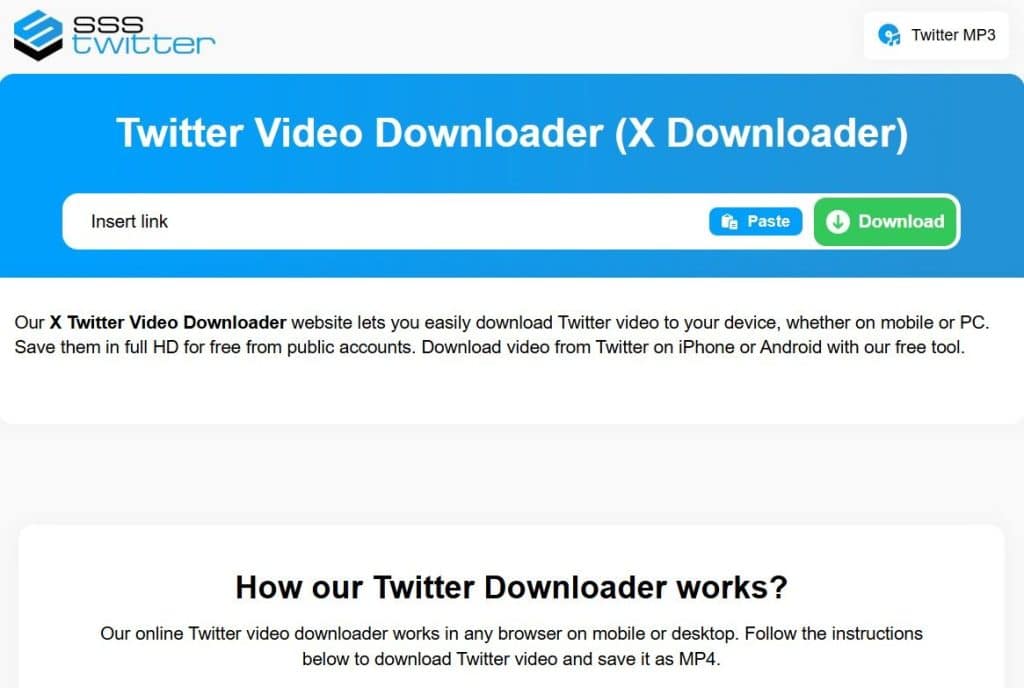
Three steps to download video from X
The process works the same whether you are saving a live stream or a regular post:
- Open the X post containing the video or live broadcast. Copy the URL from your browser address bar or use the share button to copy the link.
- Go to sssTwitter and paste the copied link into the input field. The tool detects the content type automatically.
- Select your preferred format and quality. Click download. The file saves directly to your device.
No software installation required. No accounts to create. The download happens through your browser on any operating system.
When to use this X video downloader
Offline viewing tops the list. Save Twitter videos before a flight, commute, or trip to areas with limited connectivity. Watch them later without using mobile data.
Content archiving matters for specific professions. Educators preserve tutorial clips for classroom use. Researchers document social media trends for academic studies. Musicians save audio performances shared by other artists.
Personal memory preservation is another common reason. That video from a friend who might delete their account tomorrow? Save it now.
For downloading from other platforms, different tools exist. fGet handles Facebook content if you need to save videos from that network as well.
Getting started with sssTwitter
The tool processes unlimited downloads at no cost. HD quality is available when the source video supports it. Your data stays private – sssTwitter does not store links or track download history.
Works on iPhone, Android, Windows, Mac, and Linux. Any device with a modern browser can download twitter content through the service.
Live broadcasts require quick action since they only exist while streaming. Keep sssTwitter bookmarked for those moments when you spot content worth preserving.