Table of Contents
Understanding AdsLibrary
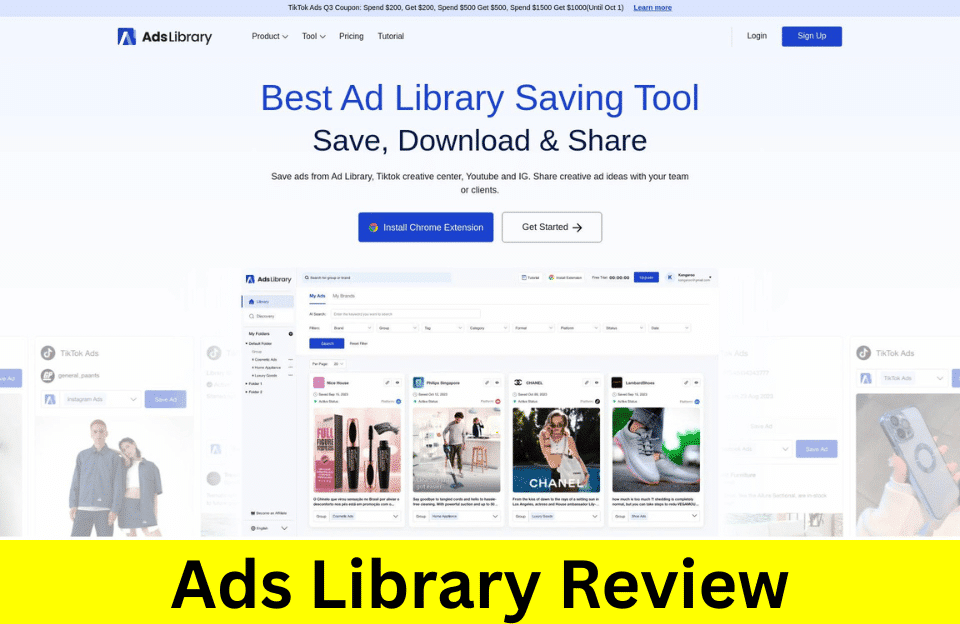
AdsLibrary is a powerful tool that helps you save, organize, and manage ads from different platforms like Ad Library, TikTok Creative Center, YouTube, and Instagram. Whether you work in marketing, advertising, or just want to keep track of creative ad ideas, AdsLibrary makes the whole process simple and convenient.
With AdsLibrary, you can easily save ads or videos in just one click thanks to their Google Chrome extension. After saving, you can quickly browse, categorize, and share these ads with your team or clients. This tool is especially helpful for anyone who wants to find creative inspiration or monitor what their competitors are up to across multiple platforms.
Managing your saved ads is very flexible. AdsLibrary lets you create folders and groups so you can keep everything organized. It also allows bulk saving, downloading, and even uploading your own content. Even if you want to save a screenshot of a web page, AdsLibrary can help you do that with ease. With thousands of brands and agencies already using AdsLibrary, it’s clear that this tool is making a difference in the world of advertising.
Key Features of AdsLibrary
AdsLibrary is a powerful tool that makes it simple for anyone to save, download, and share ads from popular platforms like TikTok Creative Center, YouTube, Instagram, and more. It’s designed so even students and beginners can easily manage and organize their favorite ads, making it a go-to solution for teams and creative minds.
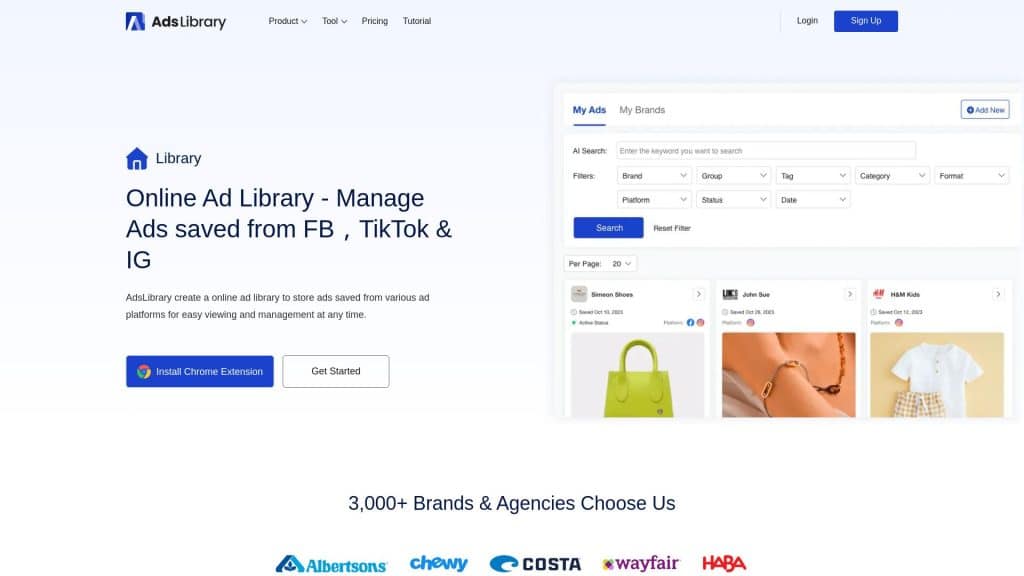
- Save ads quickly from TikTok Creative Center, Ad Library, YouTube, and Instagram with just one click.
- Download ad media and data individually or in bulk, perfect for research or inspiration.
- Organize saved ads using folders and groups, so you can always find what you need easily.
- Share saved ads or ad groups via links with your team or clients for smooth collaboration.
- Track the active status of ads to know when they’re running and for how long.
- Manual upload lets you add videos or photos directly to your personal library.
- Customize tags and use filters for advanced search options.
- Discover creative ads in the largest community library with thousands of brands and over 600,000 ads.
With AdsLibrary, you can also enjoy features like Notion embed, web page screenshot saving, and real-time competitor ad tracking through the Ad Tracker. These features make it suitable for creative strategists, marketing teams, and anyone looking to stay up-to-date with the latest ad trends.
TikTok Creative Center integration lets you save and sort ads from TikTok easily, helping you find fresh ideas and understand what works well in the current ad space.
Users love how AdsLibrary brings everything into one place, making ad saving and sharing not only easy but fun. Teams can communicate, comment, and improve their work together without any confusion.
A Step-by-Step Guide to Using AdsLibrary
If you want to easily save, download, and manage ads from different platforms like TikTok Creative Center, TikTok Ad Library, YouTube, and IG, AdsLibrary is the ultimate tool for you. Here’s a step-by-step guide to help you make the most of AdsLibrary and get inspired by creative ads.
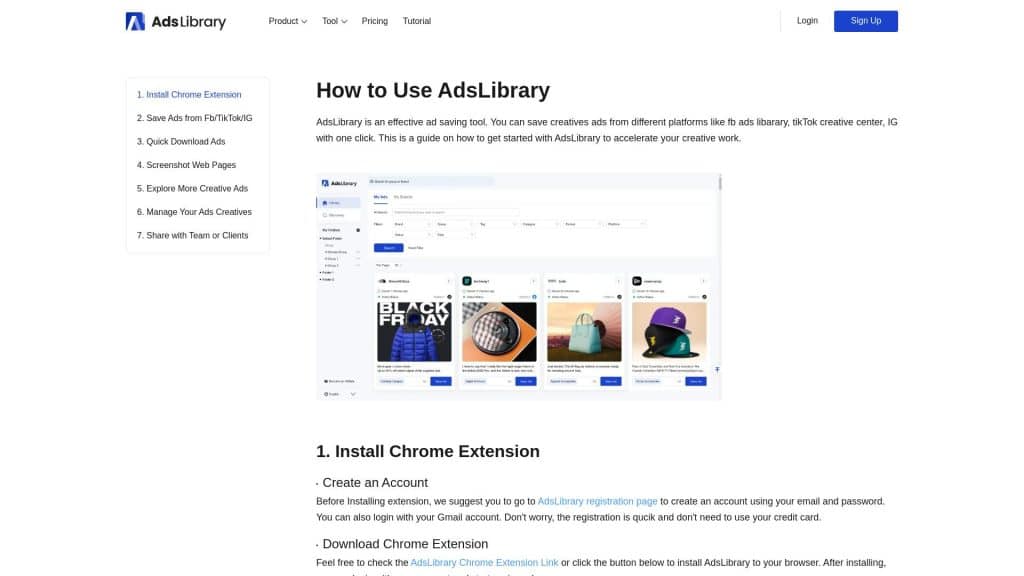
- Install the AdsLibrary Chrome Extension. You can get it directly from the Chrome Web Store.
- Go to your favorite platform, such as TikTok Creative Center or YouTube, and find the ad you want to save.
- Click the AdsLibrary icon to quickly save the ad or video. All your saved ads are stored in your personal ad library.
- Organize your ads easily by creating folders or groups, so you always find what you need.
- Share ads and creative ideas with your team or clients with a simple link.
- Track your saved ads’ active status and download ad media in just a few clicks.
Using AdsLibrary is not only simple but also really powerful. The tool is used and trusted by over 3,000 brands and agencies, making ad management a breeze. Whether you want to explore new ad ideas or keep track of your competitors’ campaigns, AdsLibrary gives you everything in one place.
Don’t forget, you can visit the AdsLibrary’s library page to access all your saved ads, or check out their how-to guide for even more tips.
Final Thoughts on AdsLibrary
After exploring all the features and options of AdsLibrary, it’s clear that this tool is designed to make ad saving and sharing easy for everyone. Whether you’re a marketer, creative strategist, or just curious about advertising, AdsLibrary brings together everything you need. With strong support for platforms like TikTok Creative Center, the ability to manage, organize, and share ads quickly, and praise from users, AdsLibrary stands out as a reliable partner for your advertising needs. If you’re ready to take your ad creativity to the next level, learning more about pricing and starting now could be your best step forward.