Key Takeaways
MovieBox Pro is described in available app information as a way to explore entertainment details, but listings and access may differ. Check the exact app and its source before installing anything.
- Confirm what the specific listing says the app does.
- Check device compatibility and regional access before installing.
- Treat unofficial download links and unexpected account requests cautiously.
- Review permissions and privacy information before sharing personal data.
- Verify that any content you access is licensed in your region.
What MovieBox Pro is
The name can refer to different listings and services, so the details on a particular app page matter. The available description presents MovieBox Pro as an information and discovery app, rather than a source of films or shows. Its scope should be judged from the specific listing you intend to use, not from the name alone.
How the app is described
The MovieBox Pro discovery app is described as a place to explore movie and TV information, including ratings, cast details, genres, and release dates. That listing says the app does not stream, host, download, store, or distribute movies or TV shows. This distinction is useful: a page promising access to full films may not be describing the same app or service.
What content and features may be available
The listing describes browsing trending, upcoming, and recently released titles, searching for entertainment information, and saving favorites. It also mentions updates and details such as cast and crew, genres, and production information. These are features of the described listing; they should not be assumed to exist in every app using a similar name.
How it differs from mainstream streaming services
The available description focuses on information and discovery, not on watching a catalog inside the app. In other words, MovieBox Pro, as described in that listing, is intended for exploring title information rather than streaming or distributing the titles themselves. Check the app’s stated purpose before assuming that a listing offers playback, downloads, or a particular selection of content.
Where MovieBox Pro is available
Availability is not a single yes-or-no answer: it depends on the specific listing, device, and region. Search results may show pages for different platforms or similarly named apps, and their descriptions may not match. Check the publisher and current store details before treating any result as an official route.

Supported devices and operating systems
Do not infer support for a device just because an app appears in a web search. The available Windows result, for example, says that JavaScript is required to view its app details and installation information; it does not establish compatibility or a safe installation method on its own. Likewise, searches for “moviebox pc” or “movie box app for pc” are not proof that a particular download works on a computer.
Regional availability and access limitations
An app page may be unavailable in some locations, or local rules may affect whether particular content can be accessed. Check the applicable store or publisher information for your region, and confirm the terms before installing. A search result or shared download link cannot establish that an app is available, authorized, or suitable where you live.
Why app listings may vary by platform
Listings can differ in their names, descriptions, and stated functions. The pages in the table illustrate why it helps to evaluate each platform entry on its own rather than assuming they all describe the same product.
| Listing context | What the available information says | What to verify |
|---|---|---|
| Entertainment discovery app | Describes movie and TV information | Whether the page matches the app you intend to use |
| Windows result | Requires JavaScript to view details | Publisher, compatibility, and installation instructions |
| Channels page | Describes a TV app for browsing entertainment options | What the page means by available options |
| Android installation guide | Describes an installation route using vShare | Compatibility, safety, and legality information |
These descriptions come from separate pages and do not confirm a shared publisher or feature set. Compare the exact listing on your device with the information provided by its publisher before proceeding.
How to assess an installation source
A download page should make it clear who publishes the app and what the installation involves. Similar names, promotional language, and search placement are not enough to establish trust. Pause if a page asks you to bypass normal safeguards without explaining why.
Check whether the source is official
Start with the app store or publisher channel identified by the app’s own documentation, if one is available. The available Android guide describes installation using vShare, but its existence does not by itself confirm that a particular file is authentic or safe. Compare the app name, publisher details, version information, and permissions with the information on the source page before downloading.
Review app permissions and requested access
Permissions should make sense for the function the listing describes. An information and discovery app should not need access that appears unrelated to browsing or organizing entertainment details; if an explanation is missing, do not grant access automatically. Check whether permissions can be declined, and consider leaving the installation if the app will not work without access you are uncomfortable providing.
Spot common download and account scams
Search terms like “moviebox apk download,” “movie box apk,” “moviebox android,” “movie box free download,” and “movie box online” can lead to pages that are difficult to distinguish from unrelated or unofficial downloads. A familiar phrase in a filename or web address is not proof of authenticity. Watch for pressure tactics and requests that have no clear connection to the app’s described purpose.
- Avoid pages that promise guaranteed access but hide who provides the file.
- Be wary of requests to disable device protections without a clear, verifiable reason.
- Do not reuse an important password on an unfamiliar sign-in page.
- Leave pages that demand payment or personal details before explaining what is offered.
If anything feels inconsistent, close the page and verify details through a source you can independently identify. Taking a moment to check is safer than trying to repair a device or account after the fact.
How to install and set up MovieBox Pro safely
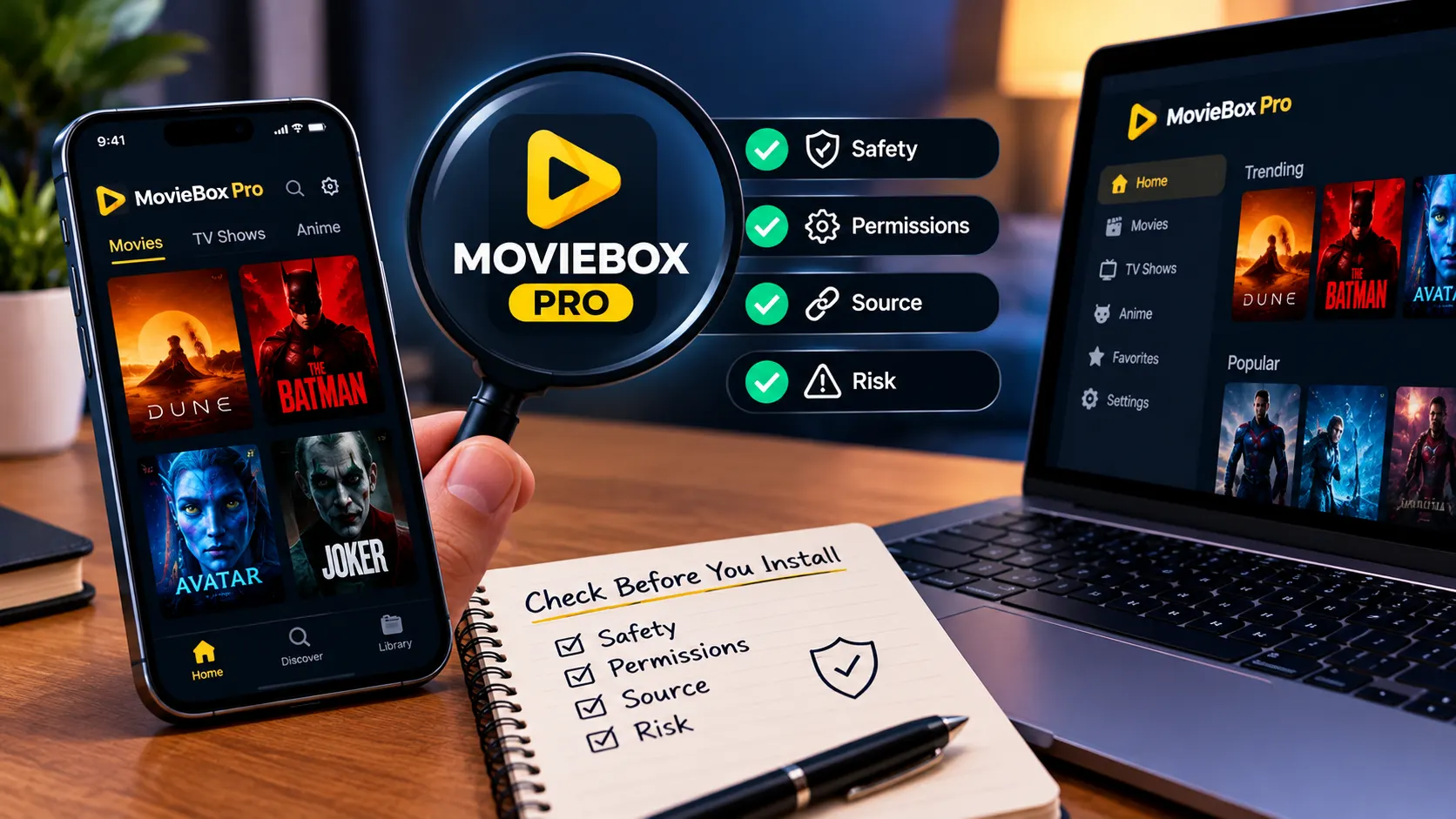
A safe setup begins with identifying the exact app and its source, not with finding the fastest download. The available descriptions do not establish one universal installation procedure across devices. For MovieBox Pro, verify the instructions and compatibility information for the specific listing you are considering before taking any action.
Confirm device compatibility before installing
Check the operating system requirements and the publisher’s stated compatibility on the relevant listing. A search result mentioning Windows or Android does not show that every version of that operating system is supported. If requirements are missing or contradictory, hold off rather than relying on a third-party file description.
Follow platform-specific installation guidance
Use the installation steps supplied by a source you have verified, and avoid mixing instructions from separate sites. For a computer, do not treat a search for “moviebox pc” as evidence that a file is intended for your operating system; for Android, confirm the source and steps before considering an APK. If instructions require you to disable protections or install extra software, look for a clear explanation and stop if you cannot verify it.
Protect your account and personal information
Share as little personal information as the service genuinely requires. Use a unique password if an account is necessary, and avoid providing payment details to a page whose publisher and terms you cannot confirm. Before signing in, make sure you are on the page you intended to visit and understand how to contact the service if something goes wrong.
How to use MovieBox Pro
The described app is oriented around finding and organizing entertainment information. What appears in the interface can depend on the particular listing and its current version. Start by checking the app’s own description and available controls rather than assuming that it has streaming or download functions.
How to Download MovieBox APK
MovieBox Pro Mobile APK
MovieBox Pro TV APK
How to Download From Datavaults
Find titles and browse available categories
The described features include search and browsing for trending, upcoming, and recently released titles, alongside information such as genres and cast details. Try a direct title search, then browse the categories actually shown in the version you have. If a result differs from the description, recheck that you installed the intended app.
Check playback and subtitle options
The available app description identifies an information and discovery role, not built-in streaming. It therefore does not establish that playback controls, subtitle settings, or offline viewing are available in every version. Check the app’s own interface and documentation; do not assume a feature exists simply because a third-party page advertises it.
Troubleshoot common streaming problems
If you expected a title to play but only see details, the app description may explain the mismatch: the listing says it does not stream or distribute films or shows. For ordinary loading or browsing trouble, check your connection, close and reopen the app, and review whether an update is available from a verified source. Avoid downloading a replacement file from an unfamiliar page as a quick fix.
Legal, privacy, and security considerations
An app’s name or availability does not establish the rights behind content linked from or described by it. Regional rules, the source of a file, and the handling of account information all matter. Take time to verify those details before installing an app or relying on a link it provides.
Verify that content is licensed in your region
Check whether the content and any service providing access to it are authorized where you live. The available description says the discovery app does not stream or distribute movies or TV shows; that statement is not a blanket guarantee about third-party links or other similarly named apps. When licensing information is unclear, do not assume access is permitted.
Understand the risks of unofficial app downloads
An APK or installer found outside a source you can verify may be altered, mislabeled, or bundled with unwanted software. Unofficial installation can also make it harder to confirm who receives your information or where to get updates. Use the device maker’s security guidance and avoid files whose origin cannot be checked.
Review privacy practices before creating an account
Read the privacy notice and terms before entering identifying details. Look for what information is collected, how it may be used, whether it is shared, and how an account can be removed. If those answers are missing or unclear, the safer choice is to withhold personal information and reconsider signing up.
Conclusion
MovieBox Pro is described in the available app information as an entertainment discovery tool, not a streaming service, and listings with similar names may differ. Verify the publisher, device requirements, permissions, regional rules, and privacy terms before installing or creating an account; if those checks leave important questions unanswered, it is reasonable to walk away.
Frequently Asked Questions
Is an app listing enough to confirm that a download is safe?
No. Check the publisher, source, version details, permissions, and installation instructions independently before downloading.
Can an app work on every computer or phone?
No. Compatibility depends on the specific app version and operating system. Review the requirements for your device before installing.
What should I do if an app asks me to disable security protections?
Do not proceed unless you can verify the source and understand the reason. If the request is unexplained or pressured, cancel the installation.
Are entertainment titles available in every region?
Not necessarily. Availability and licensing can vary by location, so check applicable local rules and the service’s own terms.
Should I enter my usual password on an unfamiliar app page?
No. Avoid reusing important passwords, and do not sign in until you have verified that the page is legitimate and understand its privacy practices.
What details should I check before creating an account?
Review what information the service collects, how it uses or shares that information, and how you can close the account. Skip registration if those details are unclear.
What can I do if a title will not play?
First check whether the app is meant to provide playback at all. For general technical issues, check your connection and use updates from a verified source rather than installing an unknown replacement file.